Damnation Controls Guide
Movement, interact, and camera habits that keep you alive in Damnation [INDEV].
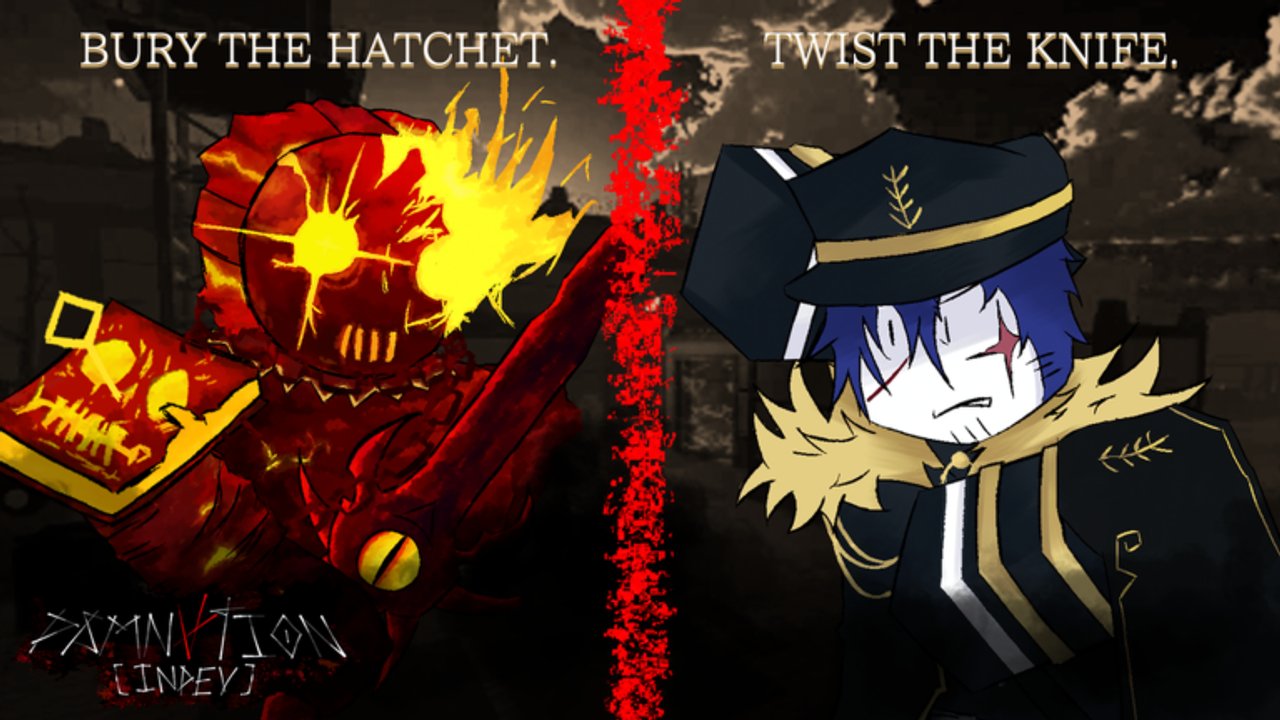
Clean controls win more Damnation rounds than fancy shop skins. This guide covers practical Roblox input habits for Damnation [INDEV] on PC and mobile: standard movement, ability keys, stamina sprint management, camera work, and comfort settings tied to flashing lights and loud audio. Read it with Getting Started, then jump into how to survive or how to play killer.
Default expectations
Damnation uses standard Roblox character controls plus experience-specific ability buttons for survivors and killers. Exact keybinds can vary by device and patch, so open Roblox settings and any in-game options menu after major updates on the Updates Hub.
Typical actions you must perform without thinking:
| Action | Why it matters |
|---|---|
| Move / camera | Loop tiles and check corners |
| Sprint | Break line of sight; manage stamina |
| Interact / repair | Objective progress (objectives) |
| Ability 1 / 2 | Character kits (Elliot heals, killer powers) |
| Emote / emote cancel | Do not lock yourself in animation mid-chase |
| Menu / shop | Plan unlocks; redeem codes when UI exists |
Standard Roblox plus ability keys
On PC, expect WASD movement, camera via mouse, jump, and sprint bound to a shift-style key unless you rebound it. Interact is usually the default Roblox interact binding for generators and props. Ability keys are experience-driven — put them on easy-to-reach keys so heals and killer powers never fight your sprint finger.
Practical PC checklist:
- Rebind awkward ability keys before serious sessions.
- Keep interact off the same key as chat focus if you accidentally type mid-repair.
- Use toggle versus hold sprint consistently — mixed modes waste stamina in chase.
- Cap FPS to a stable number if overlays stutter; unstable frames ruin camera flicks.
- Mute music slightly if needed, but keep SFX for footsteps and chase audio.
Stamina and sprint management
Forsaken-style Damnation chases punish straight-line sprinting. Stamina is information and distance.
- Sprint into a corner, camera whip, walk a beat, sprint again to desync killer prediction.
- Interact only when the camera already faces an escape route.
- Cancel long paths early when you hear the killer close — see how to survive.
- As killer, camera ahead of the survivor’s likely vault, not glued to their back (how to play killer).
- Never empty stamina on a dead straightaway when a turn would break line of sight.
Survivors who burn entire stamina bars on open tiles become free downs. Killers who sprint with empty stamina into a loop tile swing air and donate generator time.
Camera tips that win chases
- Prefire camera toward likely entrances before you hear the sting.
- While repairing, flick check behind you on a rhythm — every couple of seconds, not once per minute.
- As killer, lead the camera into the next tile the survivor wants, not only the tile they occupy.
- After a hit, camera the nearest unfinished objective cluster before you ego tunnel.
- On narrow vault lines, slight upward or downward angles can reveal campers and bodyblocks earlier.
Camera literacy matters as much as raw sensitivity. High sensitivity with zero discipline still loses to calm mid-sens players who check corners.
Mobile versus PC
Mobile
- Move ability buttons away from the thumb’s sprint zone to avoid miscasts.
- Raise camera sensitivity if you cannot check behind while repairing.
- Use a grip that lets you camera-drag without covering interact.
- Consider a supported controller only if your setup is stable — this wiki does not cover unauthorized input tools (scripts).
- Expect tighter FOV feel; pre-aim exits before you commit to a gen.
PC
- Mouse look gives finer LMS camera cuts — practice flicking to sound.
- Keybind clarity beats default clutter once you main Elliot heals or killer powers.
- Watch for chat focus stealing interact mid-objective.
Both platforms share the same win conditions. The better bind layout is the one you can execute under flashing chase VFX without misclicking.
HUD literacy
Learn where Damnation shows:
- Timer remaining (survivor win tether)
- Ability cooldowns
- Injury / down states
- Shop currency for Patch 1.0.0 prices (Elliot 500$, c00lkidd 900$, and the rest)
Lobby orientation helps before matches. Then play live rounds via Getting Started and confirm interactables on objectives.
Controls linked to character choice
| Character | Cost | Control focus |
|---|---|---|
| Noob | FREE | Time consumable speed with vaults |
| Elliot | 500$ | Aim support abilities without blocking your exit |
| Two Time | 500$ | Save clutch inputs for real danger |
| 007n7 | 500$ | Specialty timing — misclicks are costly |
| Jason | FREE | Clean M1 / power cadence while camera-checking gens |
| c00lkidd | 900$ | Versatile power use mid-rotate |
| John Doe | 1000$ | Place denial tools without tunnel vision |
| 1x1x1x1 | 1250$ | Zone placements with map awareness |
Rosters: survivors, killers. Meta: tier list.
Comfort and accessibility
Damnation warns about flashing lights and loud audio. Practical steps:
- Lower master volume; keep enough SFX to hear threat cues.
- Reduce graphics if bloom and strobe effects intensify.
- Take breaks between chase-heavy games.
- Stop immediately if you feel photosensitive symptoms.
No control tweak is worth ignoring the epilepsy warning on the experience page.
Troubleshooting input issues
- Interact does nothing — another player may be channeling; or you are stunned / mid-animation.
- Ability greyed out — cooldown or resource empty; do not spam.
- Camera snaps — check Roblox camera mode and sensitivity.
- Softlock after menu — INDEV bug; rejoin (server size 9 means quick requeues).
- Sprint feels wrong — confirm toggle versus hold and that you are not empty on stamina.
Practice routine
Spend one private or casual session only on:
- Camera checks every two seconds while walking objectives.
- Sprint management across a full timer without empty stamina at bad moments.
- Ability casts into open space first (muscle memory) before live duels.
- One abandon-the-gen drill where you leave on first killer audio every time.
Then return to role guides. Good controls make every other Damnation page on this wiki actually usable in a real nine-player match. When patches move HUD elements, skim the changelog and rebind if needed.
Frequently Asked Questions
Quick answers to the most common questions.
Are Damnation keybinds the same on mobile and PC?
Actions match, but layouts differ. Customize mobile buttons and PC keybinds so abilities never fight your sprint thumb or fingers.
How should I manage stamina in chase?
Sprint on turns that break line of sight, walk briefly to desync prediction, and never dump the whole bar on a straight open tile.
Should I mute the game because it is loud?
Lower volume instead of full mute. Audio cues matter for chase and objective defense.
Why does interact fail sometimes?
You may be in hitstun, another player owns the channel, or an INDEV softlock occurred — rejoin if menus freeze.
Where do I go after controls feel good?
Read Getting Started if needed, then Objectives plus How to Survive or How to Play Killer.